
What to do after a Data Breach: Protect Yourself
Your Data’s Being Hacked — Here’s What to Do After a Breach
2026 Update: What’s Changed Since This Was Written
Between us: If you ever needed proof that nothing you type online really disappears… they released (a non-percentage of) Epstein’s emails. Twentyish-thousand pages, read into the Congressional record, splashed across every news site for weeks, lest we forget. That 💩 human had every reason on earth to keep his inbox buried six feet under, but instead we’re all forgetting about reading it over our morning coffees like 10 weeks ago. If ALL of his emails saw daylight, but especially any, yours and mine don’t stand a chance. And we all know that that’s not even the last of it — this stuff has a way of getting worse and more interesting the deeper anybody digs. 👀 #keepdigging
…moving on
Keep on being paranoid
Your info is way more findable than you think, it doesn’t vanish just because you hit “delete,” and protecting it is one of those grown-up habits nobody actually teaches you… until something goes missing. Don’t worry — you do NOT have to be a tech whiz (or become president) to handle this.
Here’s what actually matters, “in plain English.”
Somebody Stole Your Info (Spoiler: They’ve Been Doing This Forever) — Here’s How to Lock It Down
Don’t panic. Freeze your credit (it’s free now), lock your passwords, and turn on two-factor. Here’s your zero-jargon checklist. (Oh shit, just used the word jargon, do you understand?)
Sooo, you got The Email. You know the one — “We take your privacy seriously,” which is corporate for “oopsie, the bad guys got your stuff.” Take a breath. This isn’t a you problem, it’s an US problem, and it’s definitely not new. People have been getting their info swiped since the dial-up days.
Like locking your front door at night, protecting your info is one of those grown-up habits nobody actually teaches you… until something goes missing. Don’t worry — you do NOT have to be a tech whiz (or pay one) to handle this.
Check Your Credit Reports for Fraud
1. Spy on your own credit
Head to AnnualCreditReport.com — the real one, run by the three credit bureaus, not one of those copycats with “free” in the name that’s secretly trying to sign you up for $19.99 a month. You’re looking for anything that isn’t you: a card you didn’t open, a loan you don’t recognize. Think of it like checking your bank balance after a big weekend in town — you just want to make sure nothing weird snuck in.
Freeze Your Credit (It’s Free Now/2026)
2. Throw the deadbolt (it’s free now)
A credit freeze locks your file so nobody can open new accounts in your name, even if they’re holding all your info. It used to cost a few bucks per bureau, and the rules were a mess. Then Equifax got hilariously hacked, a federal law in 2018 made freezes free for everyone everywhere, and now there’s zero excuse. Call all three, ask for a freeze, stash the PIN somewhere you won’t lose it. When you actually need credit (a car, a place to live), you just thaw it for a sec and re-lock it. Easiest “no” you’ll ever say to a thief. HuntonWHYY
Change Your Passwords and Use a Password Manager
3. Break up with “Password123” 🙄
I know, I know. But here’s the deal: get a password manager — LastPass, 1Password, Dashlane, pick one — and let it make a long, ugly, random password for every single site. You remember ONE master password; it remembers the other 400. It’s the junk drawer that finally organizes itself. And for the love of all things holy, stop using the same password everywhere — the second one site leaks, the bad guys go try that combo on your email and your bank. That’s how one tiny oopsie can turn into a really bad week.
Turn On Two-Factor Authentication
4. Hire a bouncer
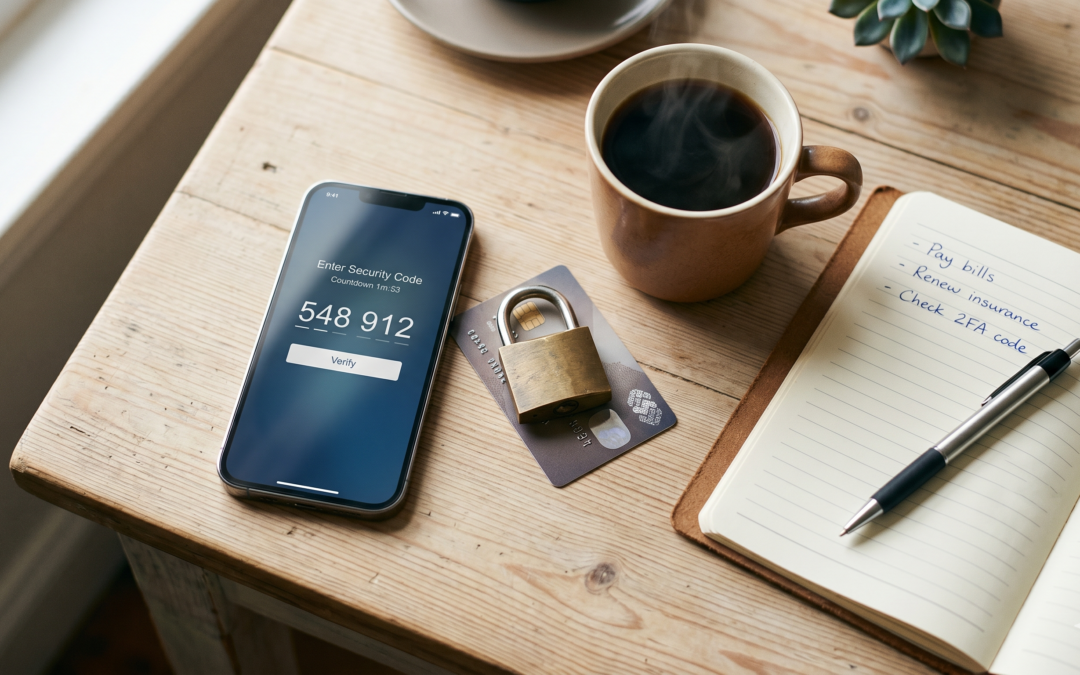
Turn on two-factor authentication wherever it’s available. It’s the doorman who cards everybody twice — you put in your password, then confirm with a tap on your phone. One extra second for you, a brick wall for the creep with your password. Start with your email, because whoever owns your inbox can reset the password on literally everything else. Then your bank. Then anything with money attached.
Monitor Your Bank and Card Statements
5. Check your tab
Skim your bank and card statements once a month. Takes ten minutes, and it’s how you catch the sneaky little $4 charge before it becomes a “where did my whole paycheck go” charge. Same energy as eyeballing your receipt at the end of the night, so you’re not paying for somebody else’s bottle service. 🥂
More Ways to Protect Your Personal Information
-
Monitor Identity Theft
-
Spot Phishing Emails
-
Lock Down Security Questions
-
Shred Sensitive Mail
Check whether you already get identity-theft monitoring free with a card or bank account before you pay for something like LifeLock. Get cranky with any email that’s rushing you — if it’s urgent and scary and wants you to click RIGHT NOW, it’s probably lying; look the company up yourself and call them. Change your security-question answers to nonsense (your mom’s maiden name is not a secret, hon) and save the fake answers in your password manager. And shred the junk mail with account numbers on it — stolen mail is still one of the oldest tricks in the book.
The Bottom Line
Here’s the truth: you can’t be 100% bulletproof. Nobody can. This happens to careful people who did everything right, so if it lands on you, quit blaming yourself. All you can do is set up the boring stuff before you need it — freeze, manager, bouncer on your email, a quick monthly snoop. The headlines change every year. What keeps you safe doesn’t, much.
/x